NCSU MyTech2.1.4
Publisher Description
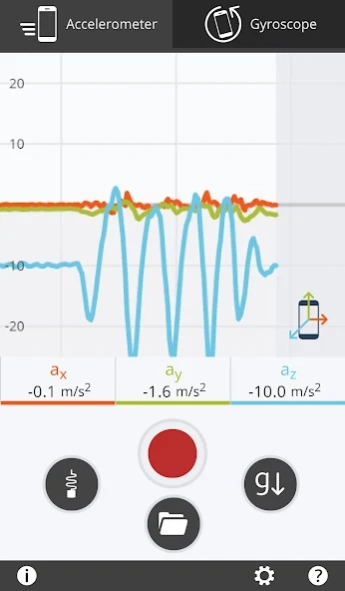
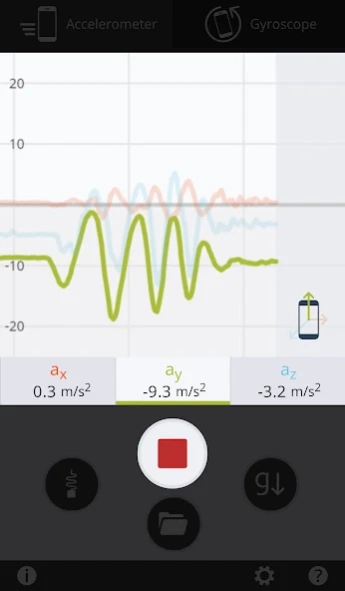
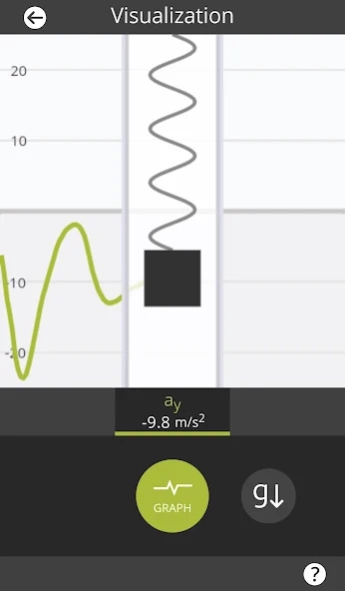
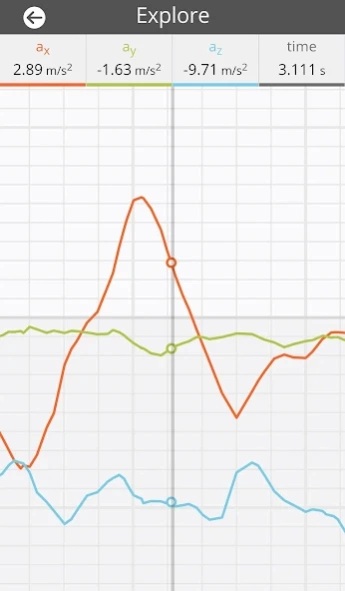
Exploring physics in the palm of your hand
Turn your smartphone into a robust piece of data collection equipment! MyTech is ideal for a physics lab environment, allowing you to analyze the motion of the device using raw data from the phone's internal sensors as it falls, spins, or collides with springs! Each recording can be exported as a spreadsheet for more in-depth analysis.
With MyTech, you can
* watch live data update from the accelerometer and gyroscope as the device moves and rotates
* focus on one or all 3D-axes on your device
* take recordings with your device that can be saved for later, or exported for deeper analysis in CSV format
* toggle the detection of gravity for a simpler view of acceleration
* conduct physics experiments with just your device and some simple tools
* learn about how different physical forces act in the real world
* learn about how your device actually detects and monitors these physical forces
About NCSU MyTech
The company that develops NCSU MyTech is NC State University. The latest version released by its developer is 2.1.4.
To install NCSU MyTech on your Android device, just click the green Continue To App button above to start the installation process. The app is listed on our website since 2020-01-24 and was downloaded 16 times. We have already checked if the download link is safe, however for your own protection we recommend that you scan the downloaded app with your antivirus. Your antivirus may detect the NCSU MyTech as malware as malware if the download link to edu.ncsu.mytech is broken.
How to install NCSU MyTech on your Android device:
- Click on the Continue To App button on our website. This will redirect you to Google Play.
- Once the NCSU MyTech is shown in the Google Play listing of your Android device, you can start its download and installation. Tap on the Install button located below the search bar and to the right of the app icon.
- A pop-up window with the permissions required by NCSU MyTech will be shown. Click on Accept to continue the process.
- NCSU MyTech will be downloaded onto your device, displaying a progress. Once the download completes, the installation will start and you'll get a notification after the installation is finished.
Program Details
System requirements
Download information
Pricing
Version History
version 2.1.4
posted on 2020-01-24
Minor performance update.
version 2.1.1
posted on 2018-09-25
Updated for Android Pie
Minor performance enhancements and bug fixes.
version
posted on 2016-04-14
Bug fixes and support for Android 6.0 Marshmallow devices. You will now be prompted to allow MyTech to access your media and storage, which is used make and view recordings.
